|
|
|
|
|


Overview - Toolbar Configuration Language
The MathFlow Editor has a configurable toolbar. A toolbar configuration is described by a toolbar definition string stored in a file, which you reference from the MathFlow Editor's Manage Custom Toolbar dialog. The full standard toolbar that ships with MathFlow is available for download at the Design Science website, if you'd like to refer to a complete example. This toolbar has expanded palettes for minor modifications.
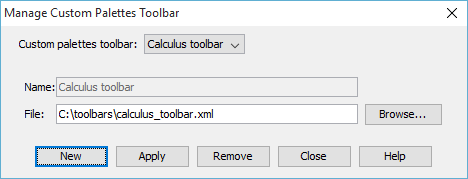
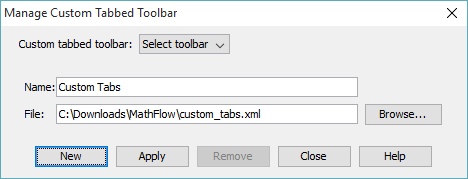
If you create a custom toolbar, use the examples and procedures shown in this section. Save the toolbar as an XML file, making note of its location so you can properly reference it in the Manage Custom Palettes Toolbar (or Manage Custom Tabbed Toolbar) dialog:
The toolbar definition string lists what templates, symbols and pull-down palettes should appear on the toolbar, and in what order and sizes. Definitions are written in the MathFlow toolbar definition language, a simple XML vocabulary described in the next section.
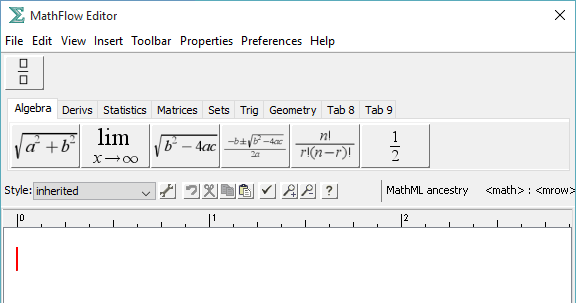
A toolbar consists of five kinds of things. First, the toolbar can contain template insertion buttons. These buttons cause an editing template to be inserted at the current cursor location when the button is clicked.
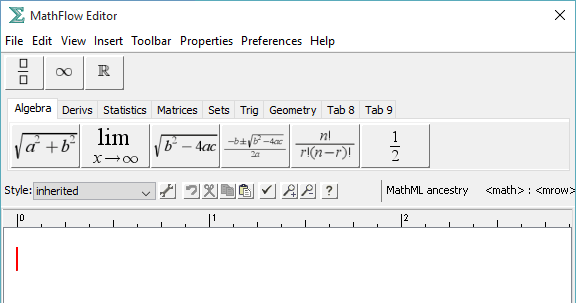
The toolbar also usually contains some symbol insertion buttons. These buttons can be used to insert any MathML character MathFlow recognizes, including letters and numbers, and symbol characters.
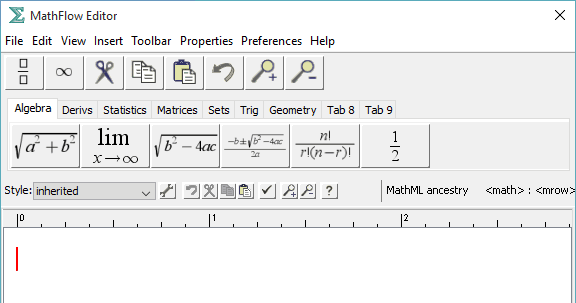
A third category of predefined buttons is the toolbox icons category, which includes cut, copy, paste, and magnify for common editing functions. This category is seldom used, since the Mini Toolbar contains these icons.
The fourth type of toolbar object is the pull-down palette that groups together other symbols and templates. Palettes can be nested within palettes, and palettes, individual symbols and templates can be mixed together on the main toolbar.
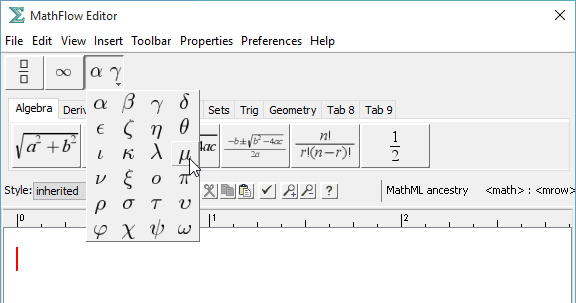
To help visually group together related items on the toolbar, you can insert vertical dividers.
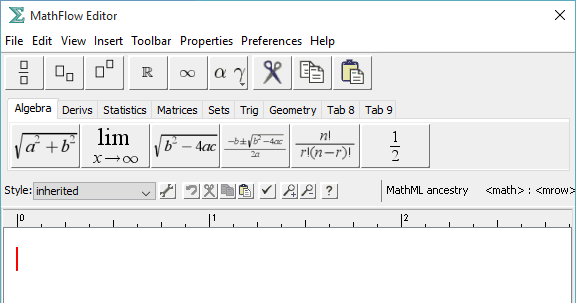
The discussion above related to the Palettes Toolbar. A final category of toolbar items relates to a second custom toolbar available -- the Tabbed Toolbar.
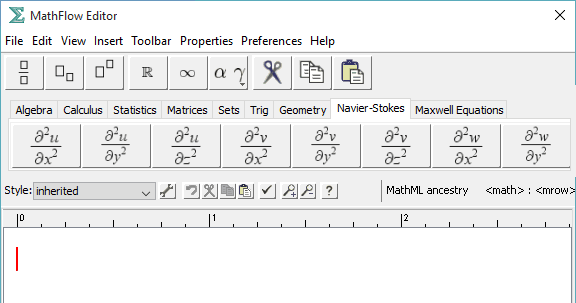
The order of the tabs is determined by the order of the tab elements in the toolbar configuration file. The names of the tabs are specified in a name attribute to the tab element.
|
|
|
|
|
![[Design Science Home]](dessci_logo.gif)
Copyright © 1996-2016 Design Science, Inc. All rights reserved.